




Description
Download Zello PTT Walkie Talkie – walkie talkie, PTT, real-time communication, mobile app, emergency communication, team coordination, voice chat, Bluetooth headset, Android Wear, offline mode, image sharing
Overview
Zello PTT Walkie-Talkie is a mobile application designed to transform smartphones into functional walkie talkies, enabling instant, real-time voice communication. The software serves as a digital alternative to traditional two-way radios, offering users the ability to connect with individuals or groups across various locations. It is particularly useful for scenarios requiring quick coordination, such as team operations, outdoor events, or emergency situations where conventional communication methods may be unreliable. The app supports both public and private channels, accommodating up to 2,500 users per channel, making it suitable for large-scale group interactions. Target users include outdoor enthusiasts, event organizers, security personnel, and families seeking reliable communication tools. While the developer, Zello, Inc., is known for its focus on real-time communication solutions, specific company background details were not included in the provided information. The app functions as a desktop-compatible tool, though installation and usage are primarily optimized for mobile platforms. It enables voice history tracking, call alerts, and image sharing, enhancing its utility beyond basic voice transmission. Real-world applications include coordinating during hikes, managing logistics in remote work environments, and maintaining contact during power outages or natural disasters.
Key Features & Capabilities
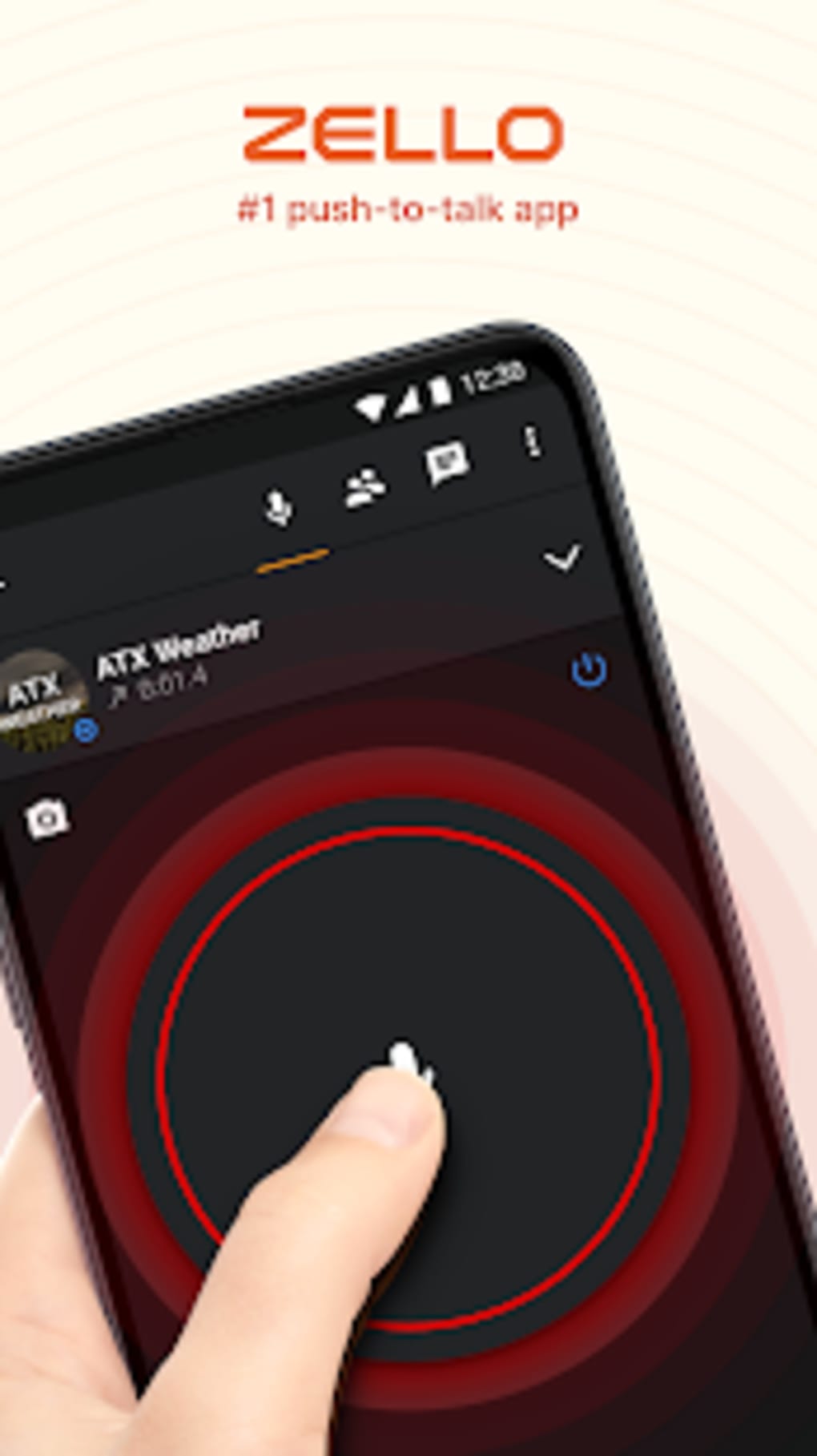
- Push-to-Talk (PTT) Communication: Enables instant voice transmission with a single button press, mimicking the functionality of physical walkie talkies. This feature supports seamless, real-time voice chat without the need for a phone call to be answered.
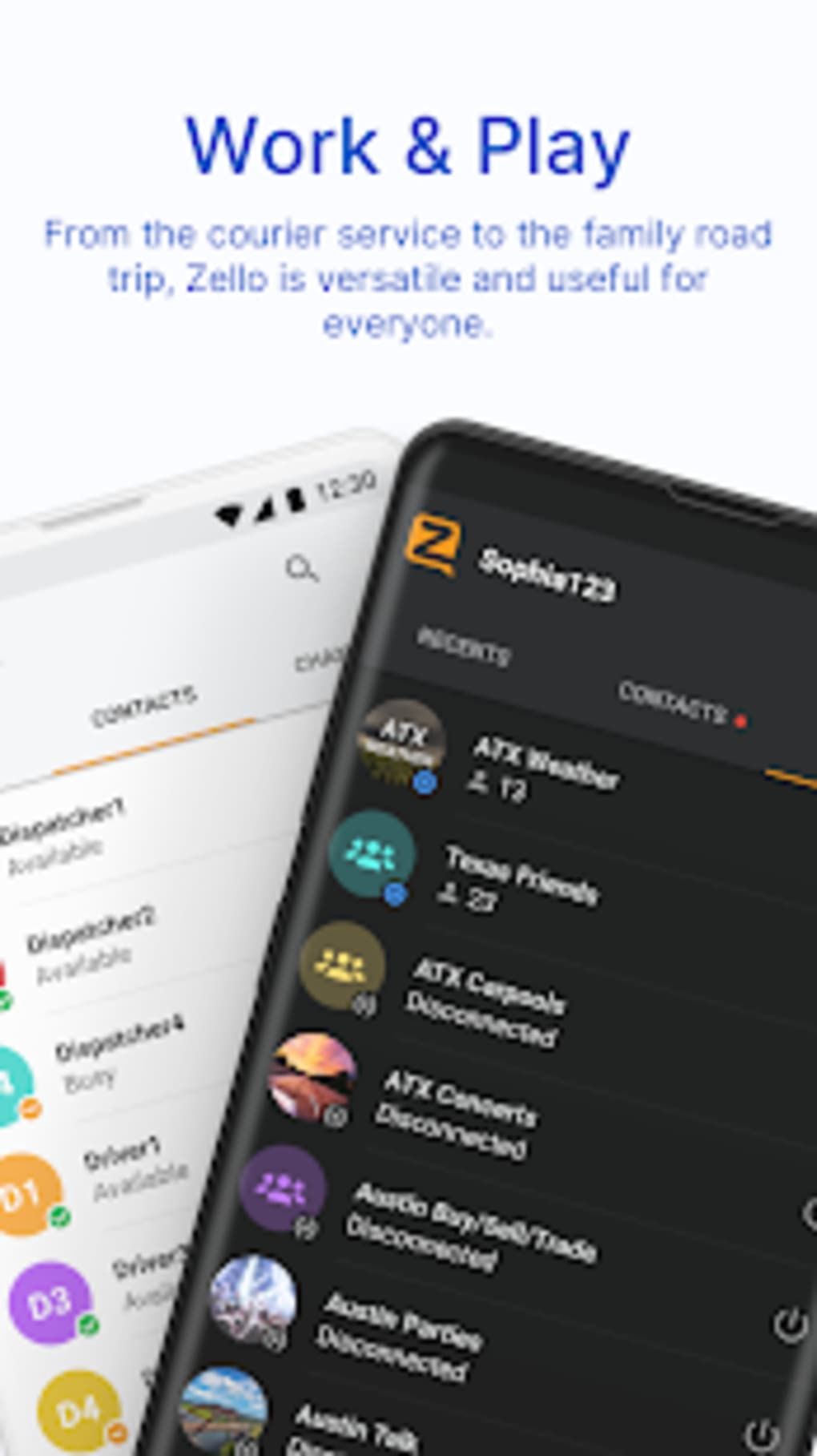
- Public and Private Channels: Users can join public channels for general communication or create private channels for secure, group-specific conversations. Channels can support up to 2,500 participants, ideal for large teams or community groups.
- Offline Mode Support: The app allows users to communicate without an active internet connection, making it valuable in remote or disaster-affected areas where network infrastructure may be compromised.
- Bluetooth and Android Wear Integration: Compatible with Bluetooth headsets and Android Wear smartwatches, enabling hands-free operation and improved accessibility during physical activities.
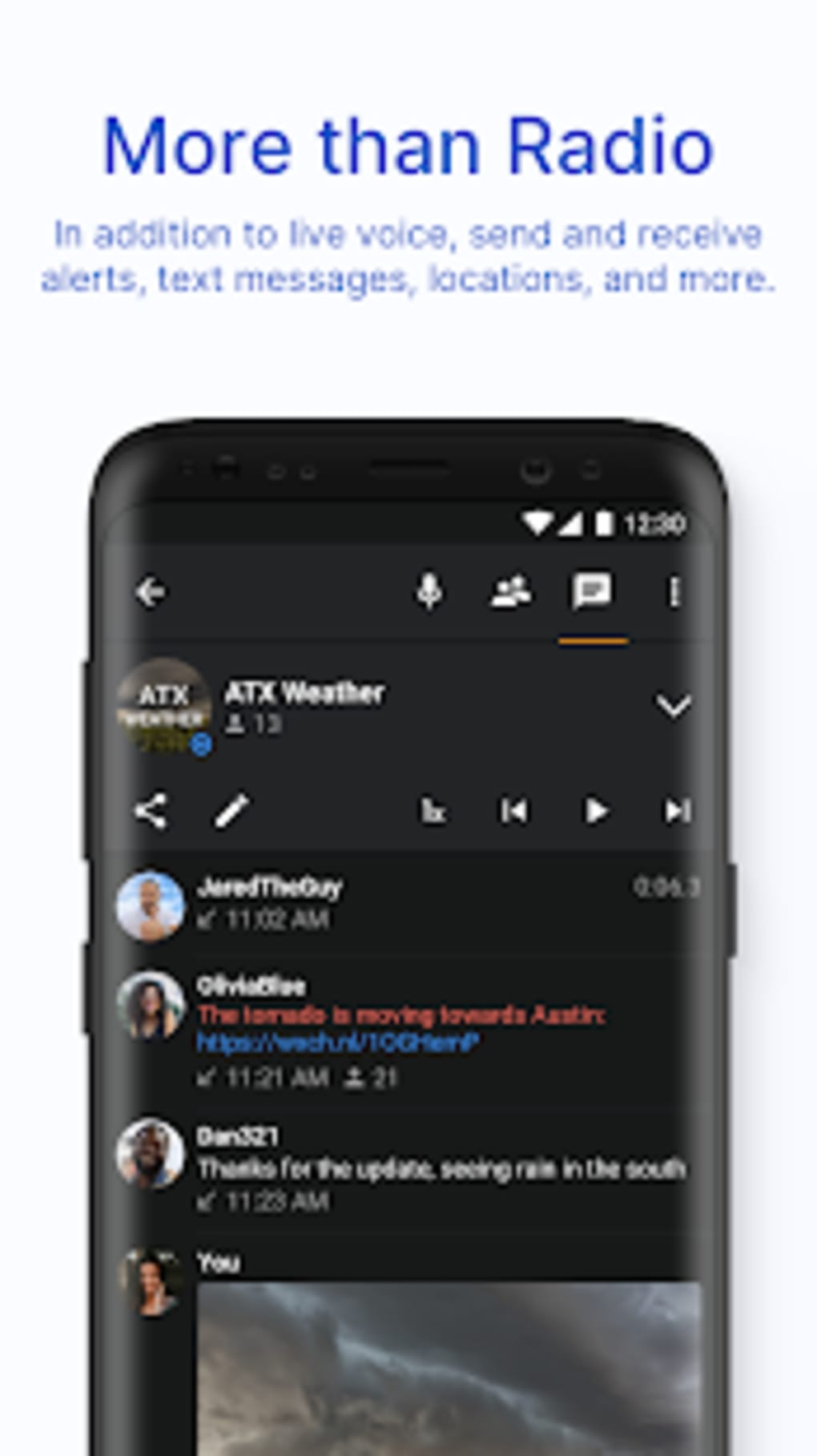
- Media Sharing: Users can send images to other members within a channel, enhancing situational awareness during coordination tasks or social interactions.
- Voice History and Call Alerts: Maintains a record of recent voice messages and sends notifications for incoming communications, ensuring users do not miss important messages.
These features collectively support efficient team coordination, emergency response, and social connectivity. For example, a hiking group can use private channels to share real-time updates and photos of trail conditions, while emergency responders may rely on offline mode to maintain contact during network failures.
User Interface, Workflow & Performance
The user interface of Zello PTT Walkie-Talkie is designed for simplicity and quick access, with a prominent central button for push-to-talk functionality. Navigation is intuitive, allowing users to switch between channels, view voice history, and manage settings with minimal effort. The workflow is streamlined for real-time communication, minimizing delays between message initiation and transmission. Users can easily join or create channels, send images, and access alerts through clearly labeled menus. The app’s performance is optimized for mobile environments, with efficient background operation and low-latency voice streaming. However, exact performance details such as CPU or RAM usage were not specified by the developer. Stability appears to be consistent across typical mobile usage patterns, with no reported issues related to crashes or freezes. The app maintains responsiveness even during prolonged use, though actual behavior may vary based on device hardware and network conditions. General software behavior patterns suggest reliable operation under standard conditions, though individual results may differ.
Compatibility & System Requirements
Zello PTT Walkie-Talkie is available for both iOS and Android operating systems, supporting a wide range of mobile devices. The application is compatible with the latest versions of these platforms, ensuring access to modern features and security updates. The installation size is 105.6 MB, which is moderate for a communication app with multimedia capabilities. Specific hardware requirements such as minimum RAM, processor speed, or storage space were not listed by the developer. The app is designed for mobile use, and no desktop version was mentioned in the provided details. Compatibility with third-party accessories like Bluetooth headsets and Android Wear devices is confirmed, though detailed integration specifications were not provided. The developer did not specify whether the software supports older OS versions or legacy devices. Platform compatibility information is limited to the stated operating systems and does not include support for Windows or Mac desktop environments.
Pros and Cons
Pros
- Free to download and use with no hidden costs
- Supports real-time PTT communication with low latency
- Offers both public and private channels with large user capacity
- Includes offline mode for use in areas without internet access
- Integrates with Bluetooth headsets and Android Wear devices
- Allows image sharing and voice history for better communication context
Cons
- No desktop version available for Windows or Mac users
- Exact system requirements and performance metrics not disclosed
- Relies on mobile device capabilities, which may vary across models
- Private channel access may require invitation or approval
- Image sharing may consume data depending on file size
FAQ Section
Is Zello PTT Walkie-Talkie available for desktop computers?
The app is designed for mobile use on iOS and Android devices. No desktop version was provided in the available information.
Can I use Zello without an internet connection?
Yes, the app supports offline mode, allowing users to communicate within a local network or when internet access is unavailable.
Is the app safe to use for sensitive communications?
Zello PTT Walkie-Talkie offers private channels for secure group communication. However, specific encryption details or security certifications were not disclosed.
How often does the app receive updates?
Regular updates are released to improve functionality and address bugs. The latest version is 12.2.1, released on April 1, 2024.
What type of license does Zello PTT Walkie-Talkie use?
The software is free to download and use, with no subscription or licensing fees required.
Final Thoughts + CTA
Zello PTT Walkie-Talkie delivers a robust, accessible solution for real-time voice communication across mobile platforms. Its combination of push-to-talk functionality, offline capabilities, and support for large group channels makes it a valuable tool for both personal and professional use. The integration with Bluetooth and Android Wear enhances usability in active environments, while image sharing adds a practical layer to coordination efforts. Although no desktop version is available and system requirements are not detailed, the app remains a strong choice for mobile users seeking reliable, instant communication. It excels in emergency preparedness, team coordination, and social connectivity. For anyone looking to stay in touch with a group quickly and efficiently, Zello PTT Walkie-Talkie is a compelling option. Download Zello PTT Walkie-Talkie now.
Guides & Tutorials for Zello PTT Walkie Talkie
How to install Zello PTT Walkie Talkie
- Click the Preview / Download button above.
- Once redirected, accept the terms and click Install.
- Wait for the Zello PTT Walkie Talkie download to finish on your device.
How to use Zello PTT Walkie Talkie
This software is primarily used for its core features described above. Open the app after installation to explore its capabilities.
User Reviews for Zello PTT Walkie Talkie 0
No reviews found





